
Keep modeling.Stop paying.
Smustard opens the .skp files you already have and gives you the tools you know, right where you expect them. Free on Mac, Windows and Linux: no subscription, no expiring trial and no watermark.
Create your account in seconds with Google or your email, and the download starts on its own.
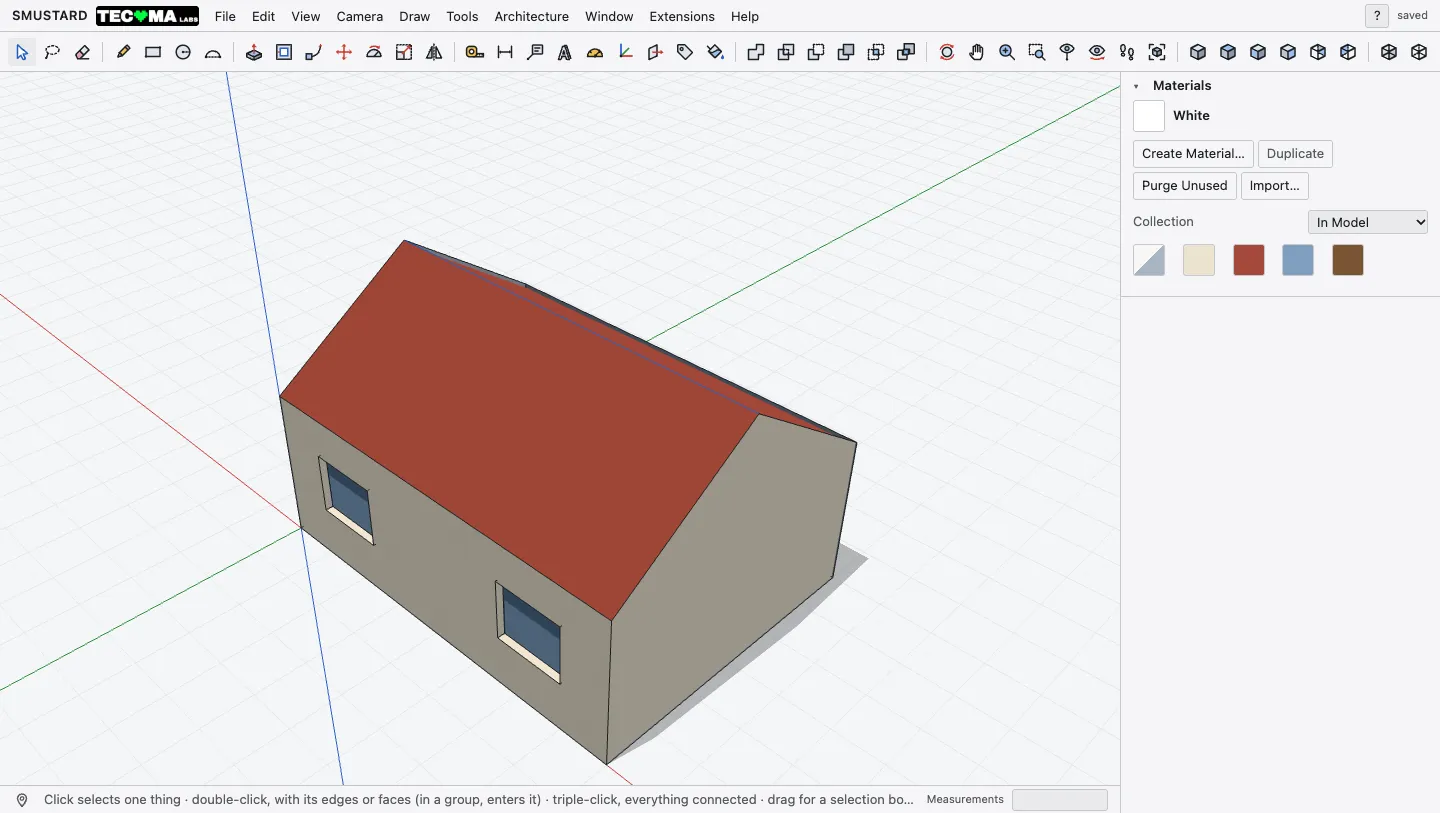
Your .skp files open as they are
Components, groups, tags, materials and textures, each in its place, from files more than ten years old or from this very year. And when you're done, you can save them back as .skp.
It also opens DWG, DXF, IFC, OBJ, STL, glTF, COLLADA, FBX, 3DS, KMZ, USDZ and point clouds.
See all formatsYour shortcuts, the usual ones
L for line, R for rectangle, P to push. The tools are where you expect them and answer to the keys you already have in your fingers: on day one you're already modeling.
- LLine
- RRectangle
- PPush/Pull
- MMove
- QRotate
- SScale
- FOffset
- CCircle
- AArc
- TTape Measure
- BPaint Bucket
- GComponent
What Smustard costs you
What other programs charge extra for comes included here.
No card and no trial period. All we ask is an account, and an internet connection to check it.
Three steps and you're modeling
Create your account
With Google, in one click. With your email, a name and a password.
Download and install
About 5 MB for Mac, Windows or Linux.
Open your first .skp
File › Open, and pick up where you left off.
Create your account in seconds with Google or your email, and the download starts on its own.
Questions
Is it really free?
Yes. No subscription, no expiring trial and no watermark on what you export. All it takes is an account.
Does it open my .skp files?
Yes, with their components, groups, tags, materials and textures, from files more than ten years old to this year's. Scenes, section planes, dimensions and text don't come in yet: Smustard tells you.
Which computers does it run on?
Mac with Apple chip or Intel (macOS 13.3 or later), Windows with WebView2 (built into Windows 11) and Linux with WebKitGTK 4.1.
Does it need the internet?
To check your account, yes, every few minutes. Your models stay on your computer and are never sent.
Where are my projects saved?
On your computer, in Documents › SMUSTARD. They're yours.
Who's behind it?
TECOMA LABS, a software company from Catarroja (Valencia, Spain).
How do I write to you?
At hola@tecomalabs.com, or from the program: Help › Send Feedback… Tell us about bugs, what you miss or which file won't open.
Your next project, without a subscription.
Create your account in seconds with Google or your email, and the download starts on its own.